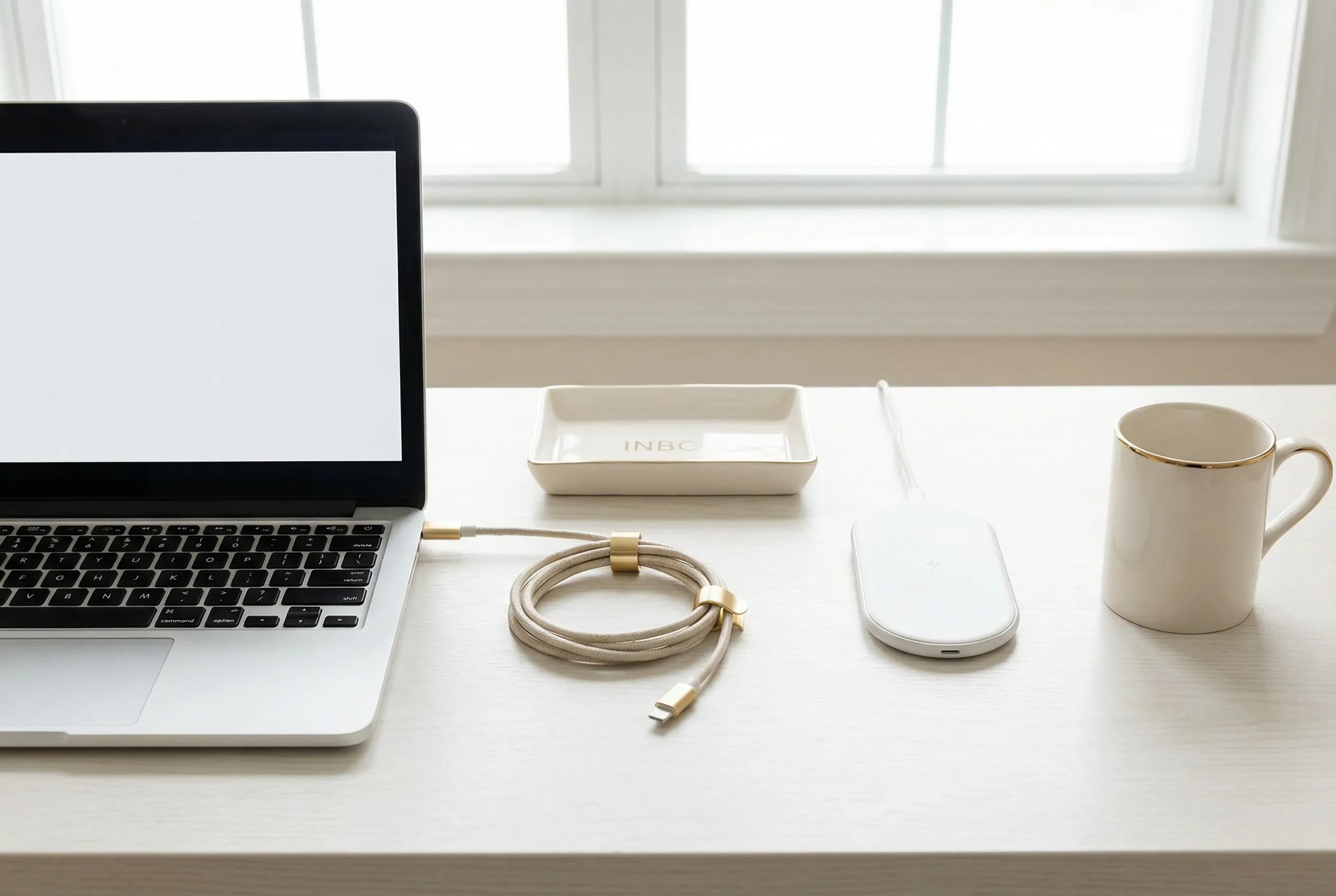
You probably spend more time staring at your phone and computer screens than at any physical object in your home. Yet most people devote far more energy to organizing their closets than their digital lives. A cluttered desktop, an overflowing email inbox, and a phone filled with unused apps create the same low-grade cognitive load as a messy room — you just do not notice it because you have normalized the chaos.
A digital declutter is not about achieving inbox zero or having a desktop with exactly three icons. It is about reducing the number of decisions your devices force you to make every time you use them. Every unread notification, every app on your home screen, and every file on your desktop demands a micro-decision: ignore, open, delete, or defer. Those decisions add up.
Email: The Biggest Time Thief
The average professional receives over one hundred emails per day. Even if you only spend three seconds assessing each one before archiving or deleting, that is five minutes of your day spent on decisions that should not require any thought at all.
The solution is not willpower. It is automation. Unsubscribe from everything you delete without reading three times in a row. Use email filters ruthlessly: promotions go to a folder you check once a week, newsletters go to a reading list, and transactional emails like order confirmations get auto-archived after thirty days. The goal is an inbox that contains only emails requiring your direct response.
For the emails that remain, adopt a one-touch rule. Read it, respond or take the required action, then archive or delete. Do not leave emails in your inbox as reminders. Your inbox is a delivery mechanism, not a to-do list.
Phone: The Device in Your Pocket That Owns Your Attention
Open your phone’s settings and check your screen time. The average person unlocks their phone over one hundred times per day. Each unlock is an opportunity for your phone to hijack your attention with notifications, app icons, and the gravitational pull of infinite scroll.
Start with notifications. Turn off every notification except those from actual humans trying to reach you: phone calls, text messages, and messaging apps from close contacts. Every app that sends you a notification is competing for your attention. If it is not a person, it can wait until you choose to open the app.
Next, delete apps you have not used in the past thirty days. You can always reinstall them. Group remaining apps into a single screen organized by function rather than letting them sprawl across multiple pages. If an app does not earn a spot on your single home screen, it lives in the app library.
Finally, turn your phone to grayscale mode for a week. Color is the primary attention-grabbing mechanism of app design. Without it, your phone becomes a tool rather than a slot machine. Most people report dramatically reduced screen time within days.
Computer Desktop and Files
A desktop cluttered with files is the digital equivalent of a floor covered in laundry. You cannot find anything and you feel vaguely guilty every time you see it. The fix takes fifteen minutes.
Create four folders on your desktop: In Progress, Archive, Reference, and Temporary. Move every file on your desktop into one of these four folders. Going forward, no file stays on the desktop for more than twenty-four hours. It either gets filed or deleted.
For your documents folder, adopt a consistent naming convention. A file named final-report-v3-revised.docx is impossible to find six months later. A file named 2026-05-client-proposal-acme-corp.docx is instantly searchable. Include the date and a descriptive name in every file name. Future you will be grateful.
Cloud Storage and Photos
Cloud storage makes digital hoarding effortless because the cost — both financial and cognitive — is nearly invisible. Google Photos and iCloud will happily store tens of thousands of near-identical photos without complaint, but finding a specific photo among them becomes progressively harder.
Schedule a monthly photo purge. Delete blurry shots, near-duplicates, screenshots you no longer need, and photos that trigger no positive memory. A library of two thousand meaningful photos is far more valuable than a library of twenty thousand photos you cannot navigate.
For cloud documents, the same principle applies. If you have not opened a file in two years and it is not a tax document or legal record, delete it. The storage is cheap, but the mental weight of knowing it exists somewhere is not free.
Digital decluttering is not a one-time project. It is a rhythm. Fifteen minutes at the end of each week keeps the digital environment as tidy as a well-maintained home. And just like a tidy home, a tidy digital space frees up mental energy for the things that actually matter.